The Lay of the Land
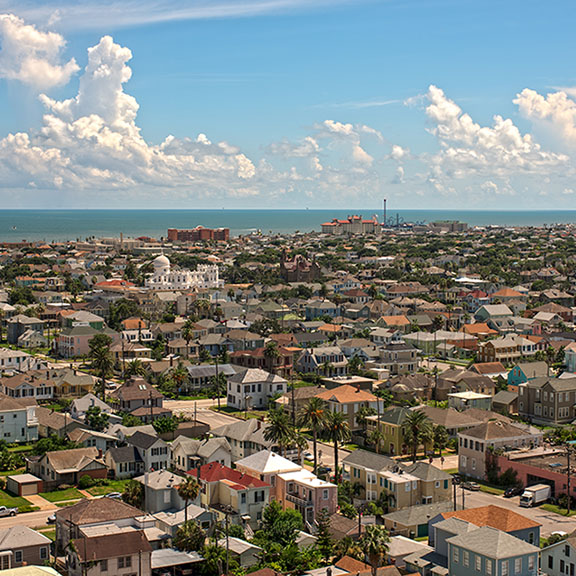
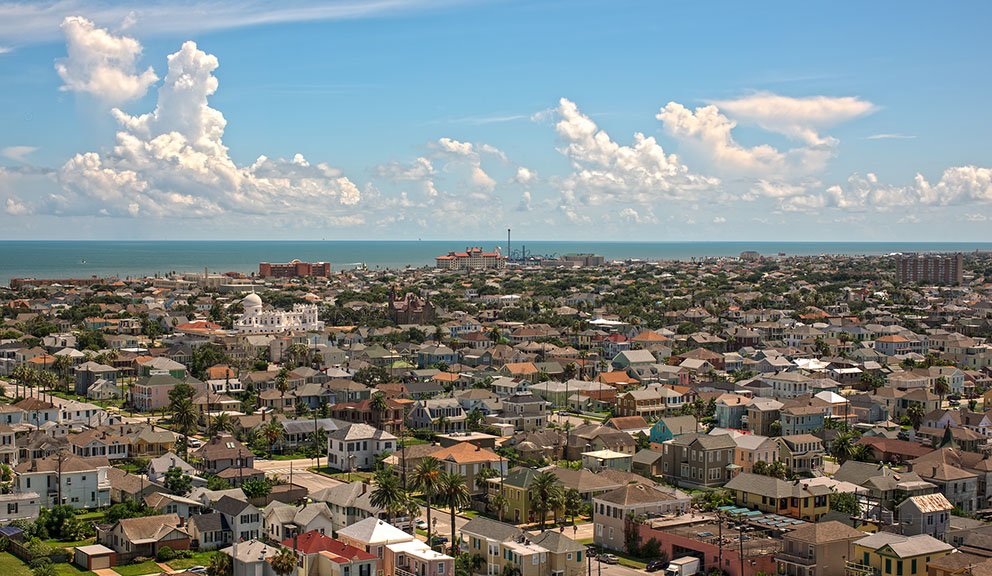
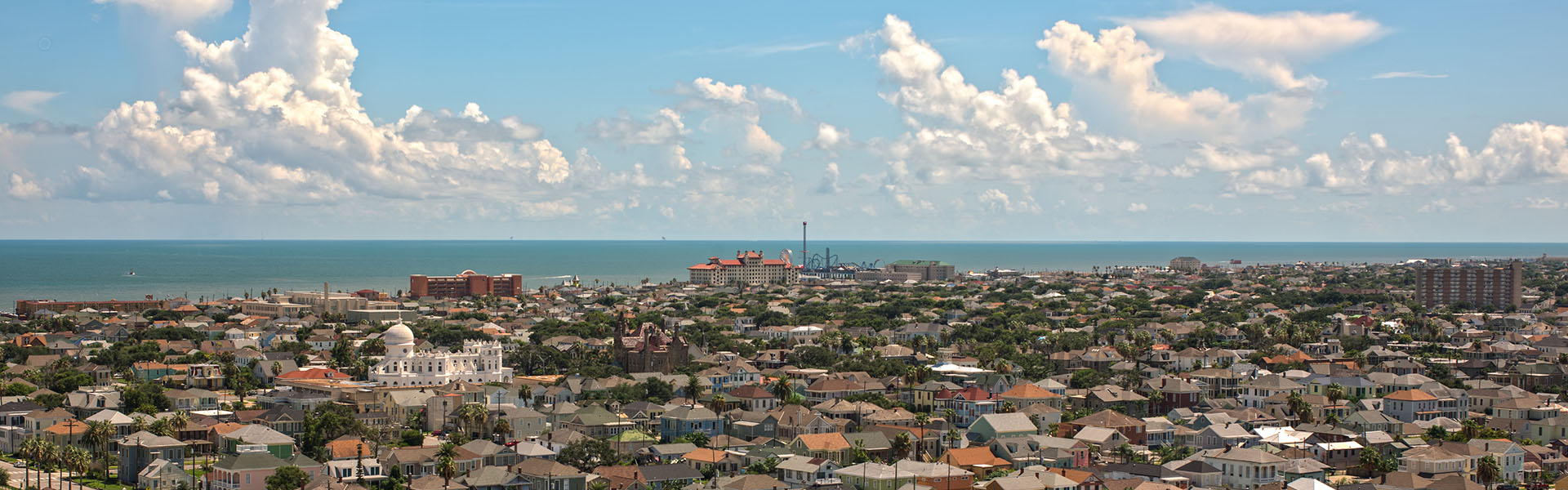
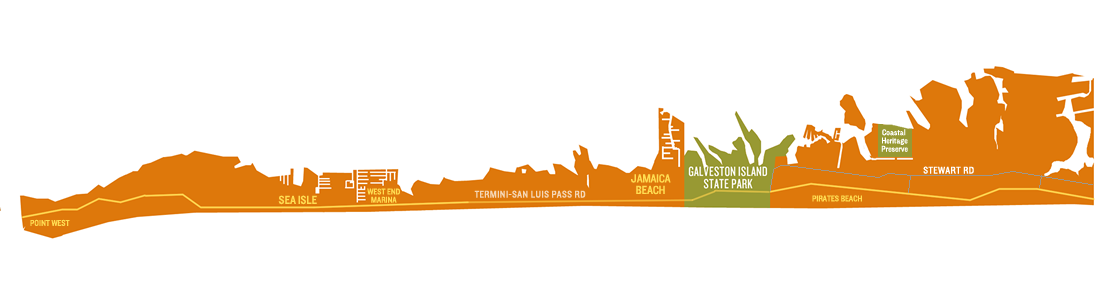
As an island that is 30 miles long and only two-and-a-half miles wide at its widest point, Galveston features a surprising assortment of regions to explore. Stroll through historic and cultural arts districts, find your Zen at peaceful remote beach sites or awake your senses with countless museums and attractions sprinkled about the island.
Causeway & I-45
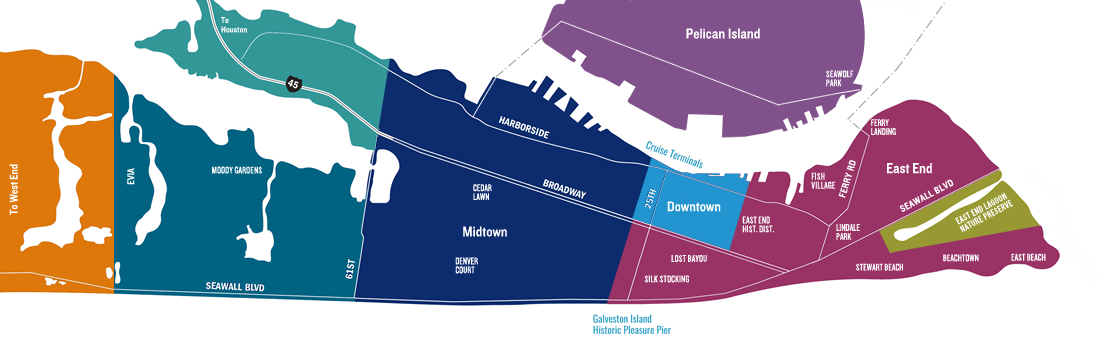
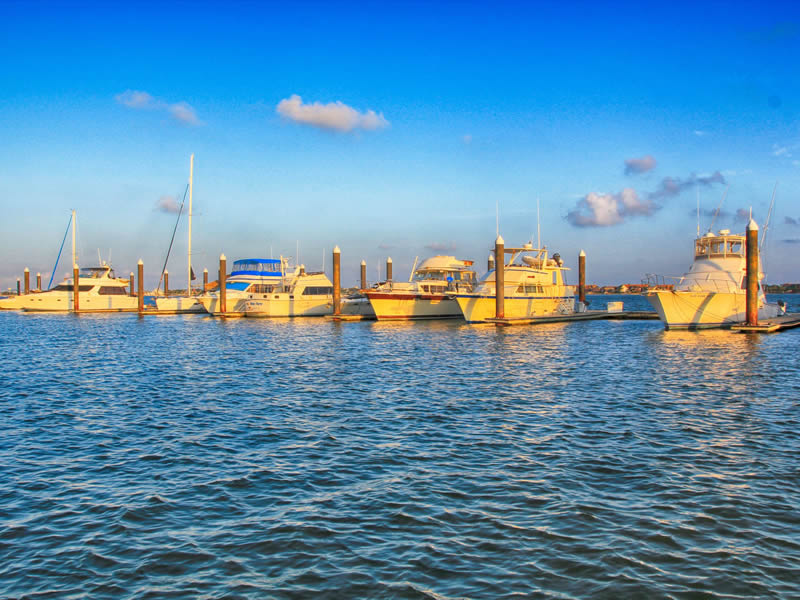
As you leave Houston behind and take the “causeway cure”, most continue down Broadway Boulevard or head west by way of 61st Street. If you exit early, there are some hidden gems in this area.
Downtown
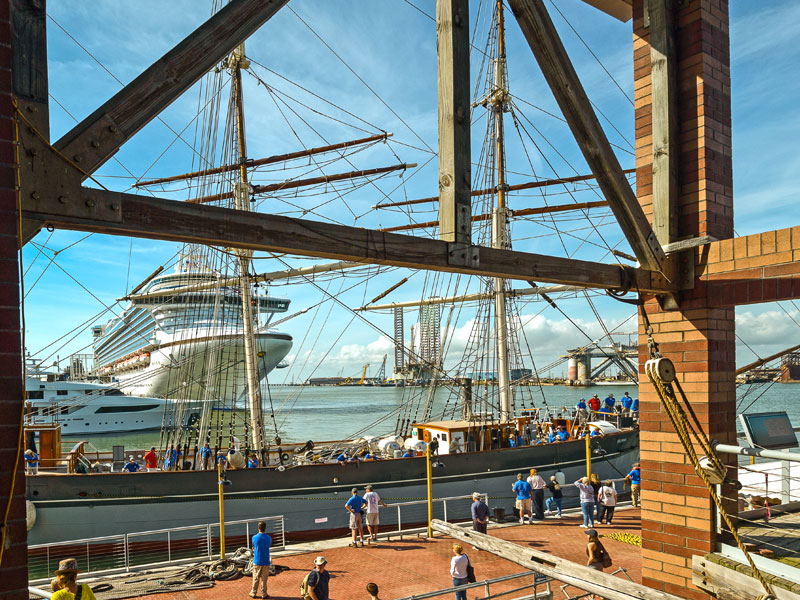
The charming Victorian-era buildings of the Historic Downtown District beckon visitors with their ornate iron balconies and whimsical painted signs.
East End
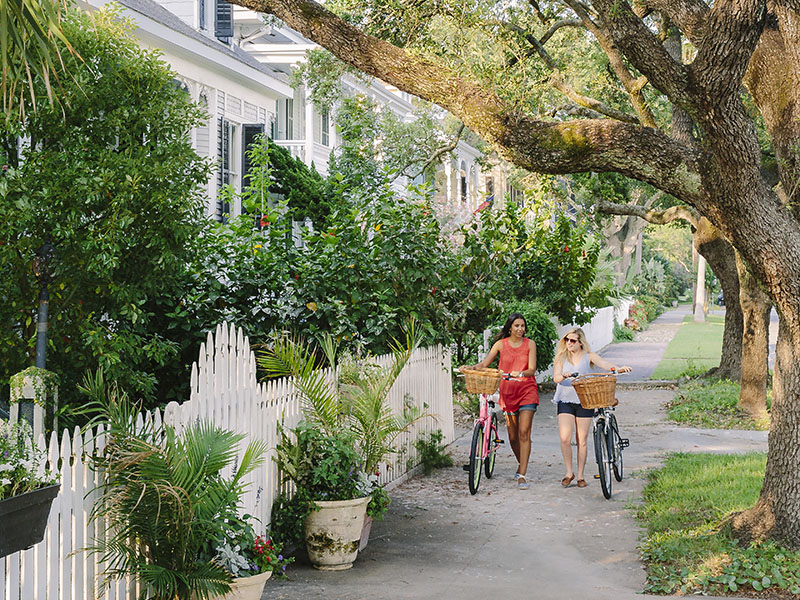
Galveston’s East End consists of several historic neighborhoods where colorful historic homes adorn the streets, featuring architectural styles dating back to the mid-1800s to early 1900s.
Midtown
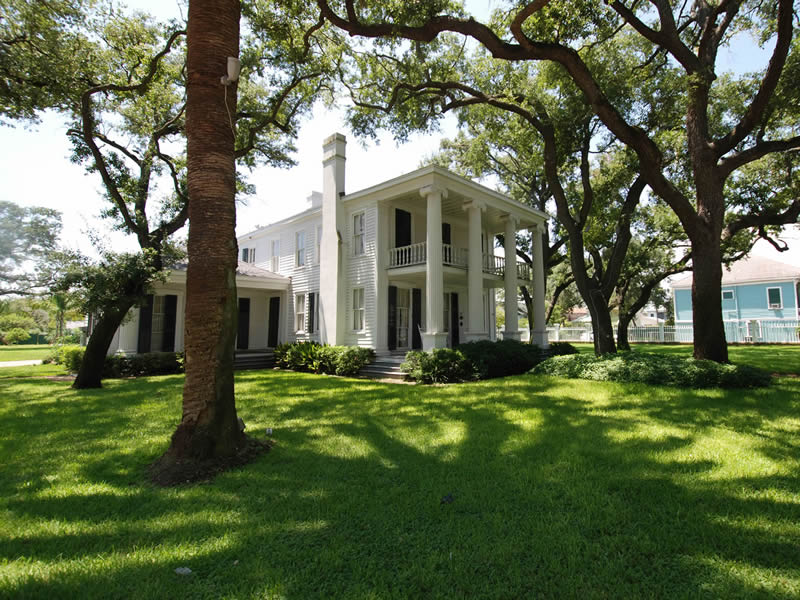
A residential area with unique corner stores and restaurants, the area also includes the 1880 Garten Verein, 1838 Michel B. Menard House, and several historic cemeteries.
Moody Gardens & 61st Street
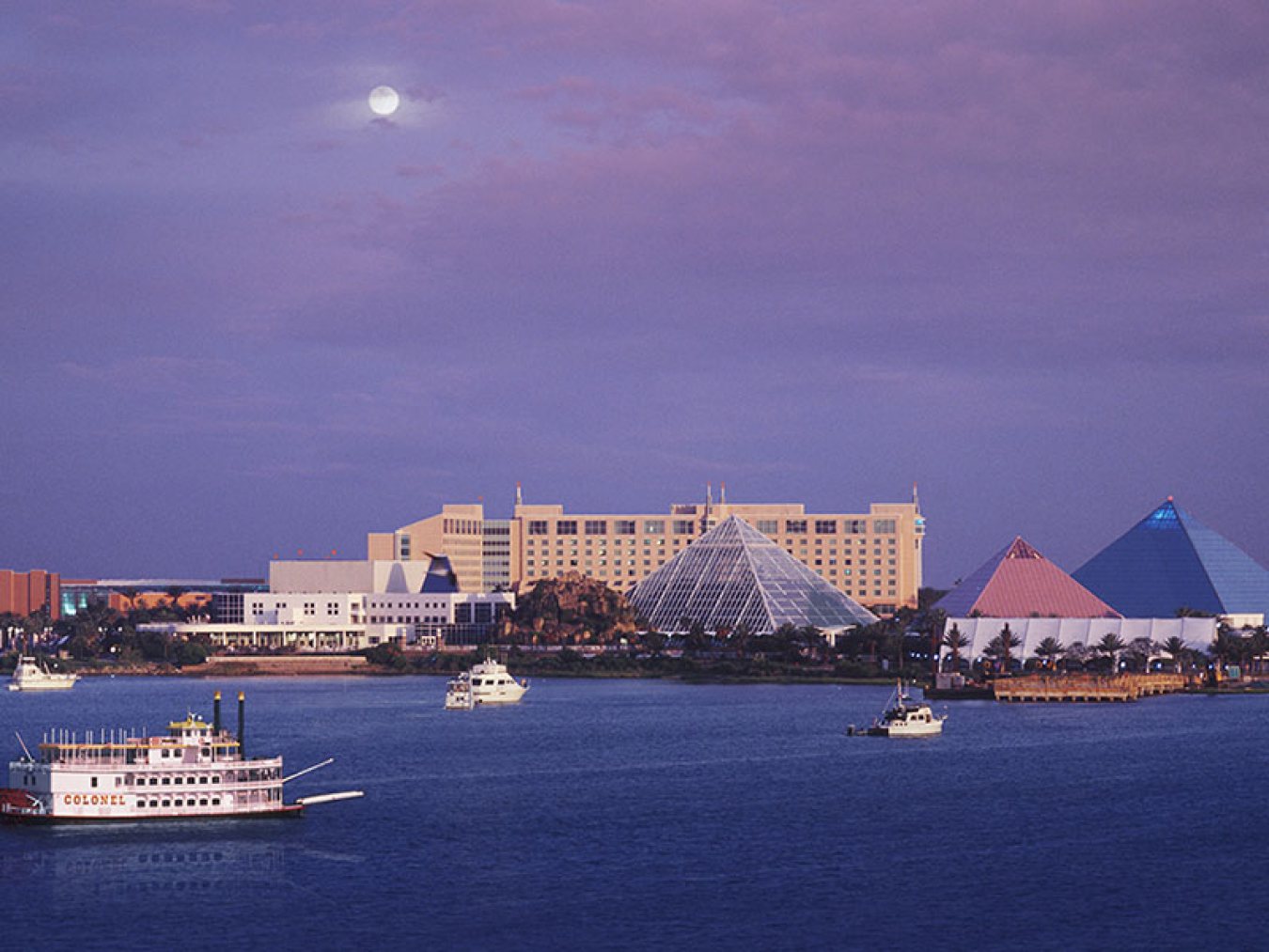
61st Street is the gateway to all things west when coming from Houston. From 61st Street, Stewart Road will take you to Jones Drive, Moody Gardens, Schlitterbahn Waterpark, and Scholes Field.
Pelican Island
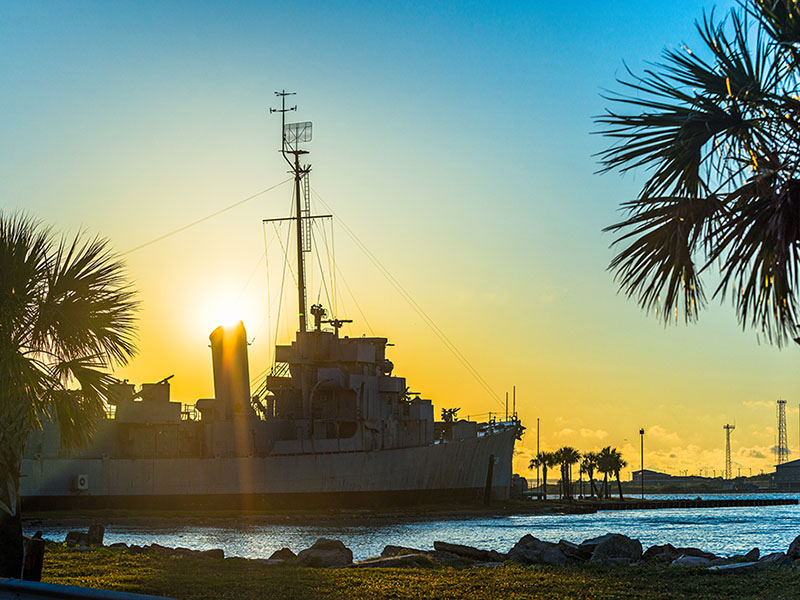
Pelican Island is a small island north of Galveston Harbor and home to Texas A&M University at Galveston, the Galveston Naval Museum, and Seawolf Park.
Seawall Boulevard
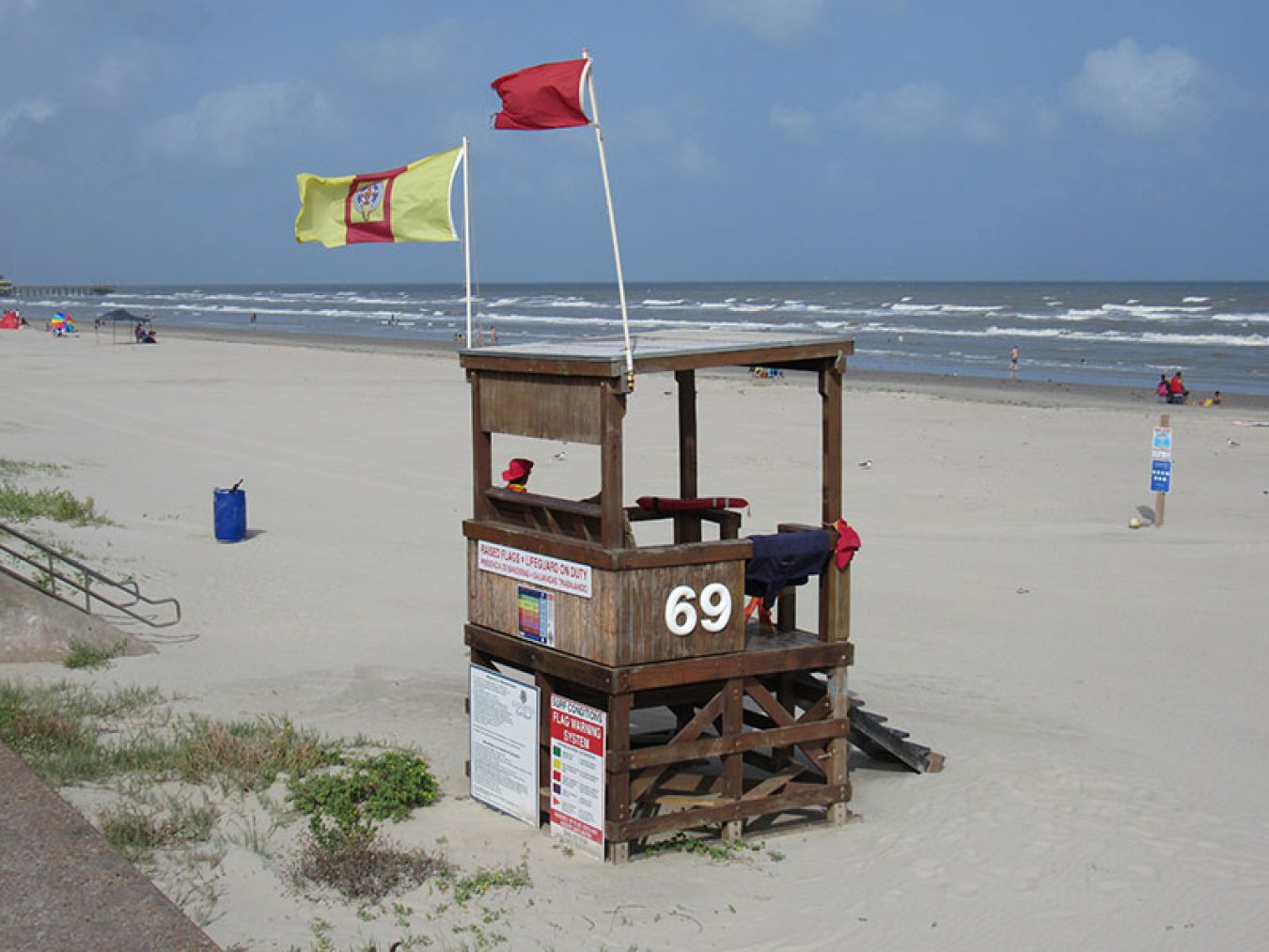
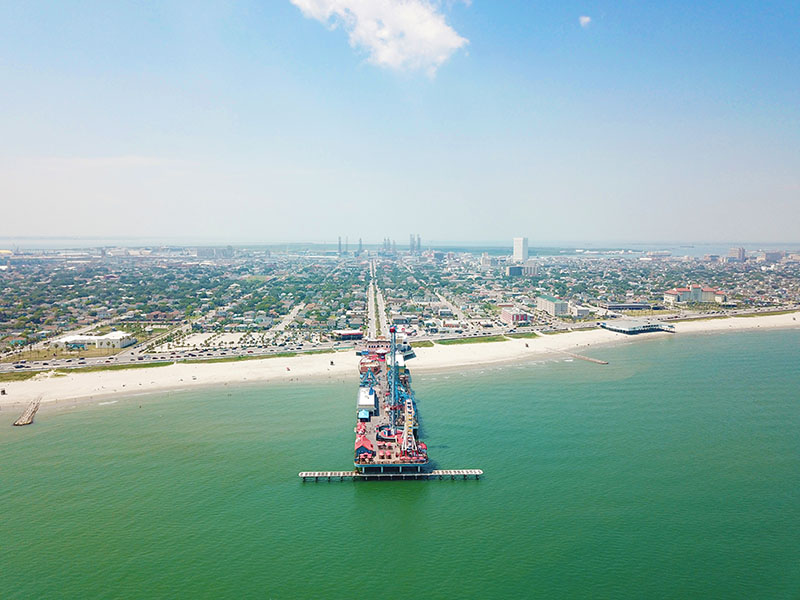
At more than 10 miles long and 17 feet high, Galveston’s seawall is the longest continuous sidewalk in the country. Runners, cyclists, skaters and surrey riders decorate the seawall, inviting visitors to join in the fun.
West End
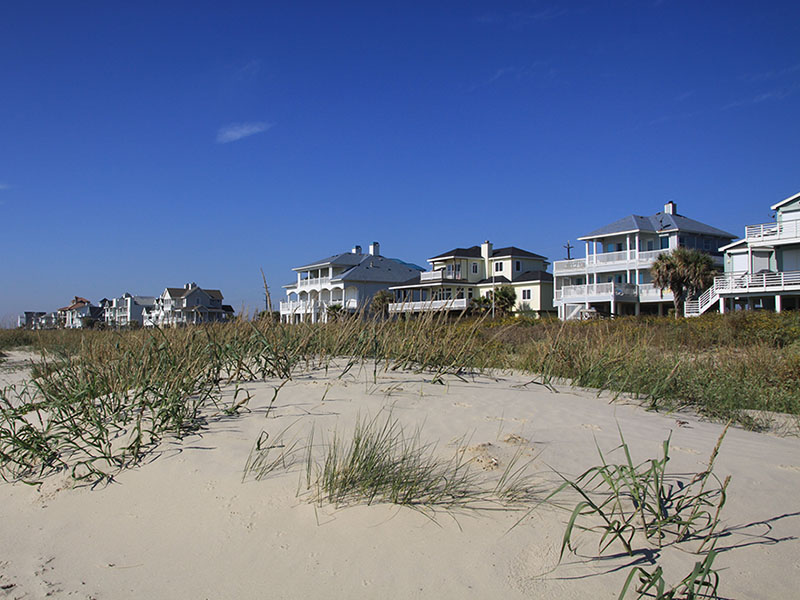
Known for its serene landscape, expansive shoreline and untouched wildlife, visitors can unwind in a quiet area, rent a beach house, camp on the beach or park their RV for an extended escape.
Galveston Neighborhoods
Here’s a sampling of some of the more distinctive neighborhoods in Galveston, from east to west:
Beachtown
Beachtown is among the beachfront communities on the east end of Galveston Island, designed with a town center complete with dining and shopping.
Lindale Park
Lindale Park is part of the University Area Association and within walking/ biking distance to UTMB and the beaches. Mature trees line the streets and the nearby playground, ballpark, greenbelt area and dog park.
Fish Village
Fish Village features homes dating back to the 1960s, remodeled with hardwood floors and large backyards on quiet streets close to the University of Texas Medical Branch. All the streets are named for marine life.
East End Historical District
East End Historical District includes more than 50 city blocks bounded on the south by Broadway, the east by 10th Street, the north by Mechanic Avenue and the west by 19th Street. Designated a National Historic Landmark, the architecture features a variety of styles and periods, including Greek Revival style homes built in the 1850s. Structures range from small simple cottages to elaborate, large homes.
Lost Bayou
Lost Bayou Historic Neighborhood District takes its name from Hitchcock’s Bayou, a bayou that was “lost” when the Island was raised after the 1900 Storm. A subset of the larger San Jacinto neighborhood, the Lost Bayou Historic District was created in 1994 and bounded by 16th and 21st streets on the east and west, and avenues K and M 1/2 on the north and south. There you’ll find Greek Revival, Italianate, Arts & Crafts and Folk Victorian architecture preserved from the late 1800s and early 1900s.
Silk Stocking Historic District
The Silk Stocking Historic District was formed in 1975, and was listed in the National Register of Historic Places in 1996. You’ll find some of Galveston’s best examples of the Queen Anne style in this neighborhood. Bounded by 25th Street (west), 23rd Street (east), Avenue P (south), and Avenue K (north), the name of the district refers to the prosperous families who lived there.
Cedar Lawn
Cedar Lawn in central Galveston features quiet tree-lined streets and the home built by the late Galveston club and casino operator Sam Maceo. The house has more than 6,000 square feet of living space including eight to 11 bedrooms and nine full bathrooms.
Denver Court
Denver Court Historic District is located a few blocks north of the seawall and encompasses more than 30 blocks. You’ll see samples of late 19th and 20th century Revivals, Spanish Eclectic, Italian Renaissance, French Eclectic, Colonial Revival, Monterrey Tutor Revival, Neo-Classical as well as late 19th and early 20th century American Movements, Craftsman and Prairie School. It’s a diverse neighborhood ranging from speculator-built cottages to large architect designed mansions.
Evia
The Evia planned community includes three freshwater lakes and a nature preserve as well as a community coffee shop, located across from the Moody Gardens Golf Course on 99th Street.
West End Neighborhoods
Located on the West End of Galveston, these communities offer a getaway from the hustle and bustle of city life. They include Pirates Beach, Pirates Cove, Jamaica Beach, Spanish Grant, Sands of Kahala, Sunset Grove, & Pointe West.
Nature Preserves & Sanctuaries
Here’s some of the protected areas on Galveston Island, from east to west:
East End Lagoon Nature Preserve
The East End Lagoon Nature Preserve, situated at the eastern end of the island, is a microcosm of the island as a whole. The 685-acre Preserve includes the East End Lagoon. The Lagoon is a slender finger of water that is bordered by several zones of land that are defined by elevation, tides, and salinity.
Corp Woods Nature Sanctuary
This hidden gem can be accessed by taking Ferry Road to TX 168. During spring, migrants including Indigo and Painted Bunting, House Finch, Baltimore Oriole, and various warblers are common. Check the small ponds year-round for Black- and Yellow-crowned Night-Heron, Little Blue and Green Heron, and other waders.
Texas A&M Wetlands
Texas A&M has dedicated a portion of the Pelican Island Campus to the study of coastal wetlands. The acreage encompasses various habitats, including salt marsh, bay water and beach, sea-grass beds, and freshwater marsh. Over a mile of trails extend around the sea-grass nursery, the saltwater marsh, to the fresh water wetlands, and along the bay shoreline.
Coastal Heritage Preserve
Artist Boat’s Coastal Heritage Preserve currently encompasses a 690 acre conservation area on West Galveston Island. Artist Boat’s goal is to preserve and restore 1,400 contiguous acres from beach to bay. The conservation area is one of the largest unfragmented, single-owner, undeveloped properties of its kind on Galveston Island.
Lafitte’s Cove Nature Preserve
East End Historical District includes more than 50 city blocks bounded on the south by Broadway, the east by 10th Street, the north by Mechanic Avenue and the west by 19th Street. Designated a National Historic Landmark, the architecture features a variety of styles and periods, including Greek Revival style homes built in the 1850s. Structures range from small simple cottages to elaborate, large homes.
Galveston Island State Park
The park offers a quiet oasis on the island’s West End where visitors can explore the Gulf of Mexico or Galveston Bay. Families can enjoy kayak tours, beach and surf explorations, bird walks, nature field trips and fishing clinics.
Dos Vacas Muertas
Dos Vacas Muertas is a 6-acre preserve protected on three sides by salt cedar, with trees, a small fresh water pond. The rear opens out to intertidal marshlands. This area consists of large tidal flats that cover many acres of open sand bars, grass-covered wetlands, and several miles of beaches.